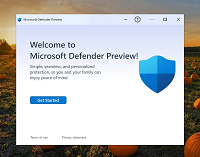
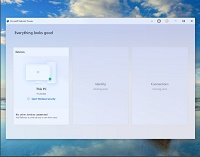
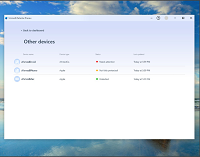
Microsoft Defender Preview is now available in the Microsoft Store. It ships with Advanced Security features in Windows to defend against emerging cyber threats. It keeps your files or data, safe and secure and acts as your personal defense against digital threats. It is routinely updated to offer round-the-clock protection against new variants.
 click images to enlarge
Microsoft Defender app is now available in Microsoft Store
From malware detection and removal tools to real-time analytics and cloud-enabled protection, Microsoft Defender offers all these benefits to its users at no extra cost. To use it, just get the app from the store while signing in to your Microsoft account and install it on up to ten Windows devices.
Before you begin, it’s important to remember that your device must meet all minimum requirements to open it. See below for more details.
• OS – Xbox, Windows 10 version 19041.0 or higher, Windows 10 version 19041.0 or higher
• Architecture – x64, x86
Similarly, for the best experience with Microsoft Defender, your system should meet the following recommended requirements.
• OS – Xbox, Windows 10 version 19041.0 or higher, Windows 10 version 19041.0 or higher
• Architecture – x64, x86
• Keyboard – Integrated Keyboard
• Mouse – Integrated Mouse
Once enabled, it should start providing you with some protection. However, it will access all your files, peripheral devices, apps, programs, and registries. Also, it will have access to your Internet connection. If you do not mind this change, go ahead and start using it.
It has been noticed that a number of people, in addition to Microsoft Defender have some third-party cyber security packages also installed on their device as they often prefer them to Windows Defender. So, when 2 similar software are enabled at the same time you might experience compatibility issues. If this happens, it is recommended to turn Windows Defender off.
Visit the
Microsoft Store to check it out.
source
